Select (Dropdown)
Configure a dropdown select field in Potato for single-choice annotation with long option lists — searchable, with optional default values and keyboard navigation.
The select type provides a dropdown menu for single selection. Best for longer lists of options (5+) where radio buttons would be visually overwhelming.
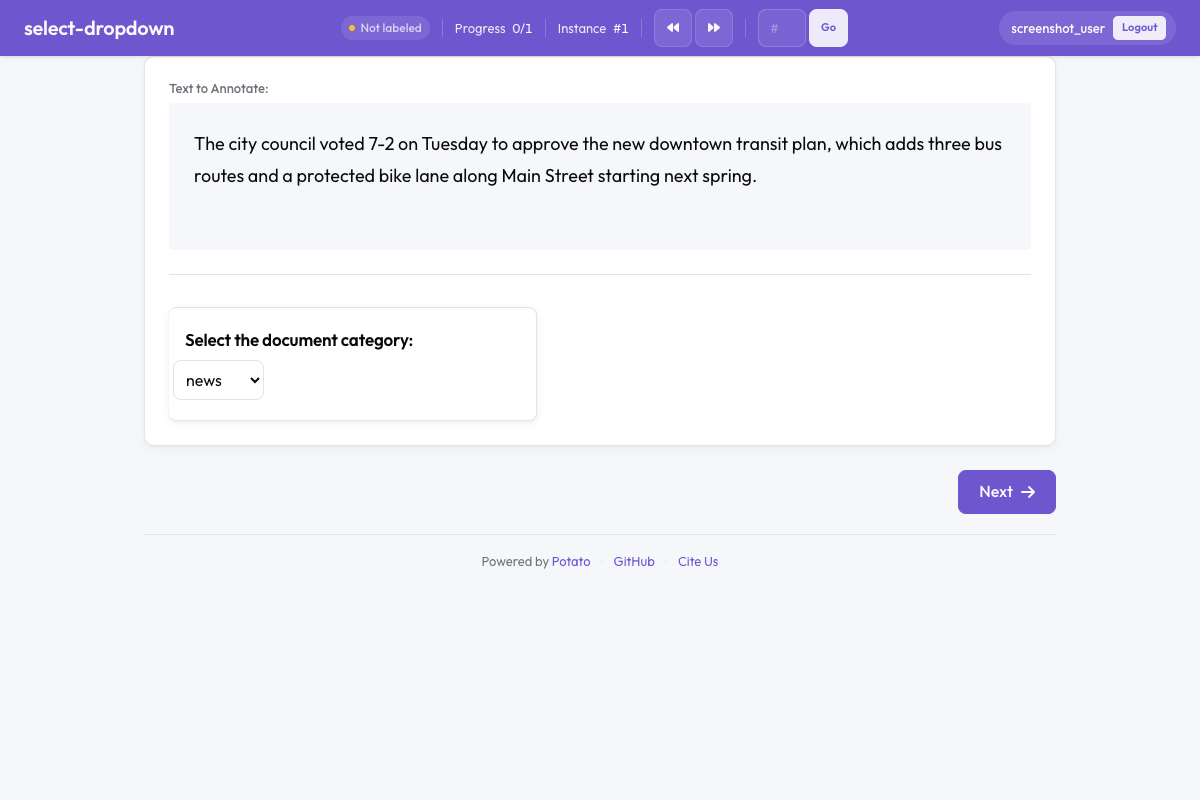 Select dropdown in Potato
Basic Configuration
yaml
annotation_schemes:
  - name: "category"
Configuration Options
| Field | Type | Required | Description |
|---|---|---|---|
name | string | Yes | Unique identifier for the annotation |
description | string | Yes | Instructions shown to annotators |
annotation_type | string | Yes | Must be "select" |
labels | array | Yes | List of options to choose from |
default | string | No | Default selected option |
required | boolean | No | Whether selection is required |
Examples
Document Classification
yaml
- name: "document_type"Language Selection
yaml
- name: "language"With Tooltips
yaml
- name: "genre"Output Format
A select answer is stored under the label name select-one, with the chosen
option as its value:
json
{
  "instance_id": "item_1",
  "user_id": "annotator1",
  "labels": {
    "category": {
      "select-one": "tutorial"
    }
  },
  "spans": {},
  "links": {}
}
When to Use Select vs Radio
| Use Select | Use Radio |
|---|---|
| 5+ options | 2-5 options |
| Options are well-known to annotators | Need to see all options at once |
| Space is limited | Keyboard shortcuts are important |
| Long option labels | Quick visual scanning needed |
Best Practices
- Order options logically - Alphabetically, by frequency, or by semantic grouping
- Include "Other" option - When the list might not be exhaustive
- Use clear, distinct labels - Avoid ambiguous or overlapping categories
- Set sensible defaults - If one option is most common, consider making it the default