セレクト(ドロップダウン)
長いオプションリストからドロップダウンメニューで単一選択。
セレクトタイプは単一選択のためのドロップダウンメニューを提供します。ラジオボタンでは視覚的に煩雑になる、長いオプションリスト(5以上)に最適です。
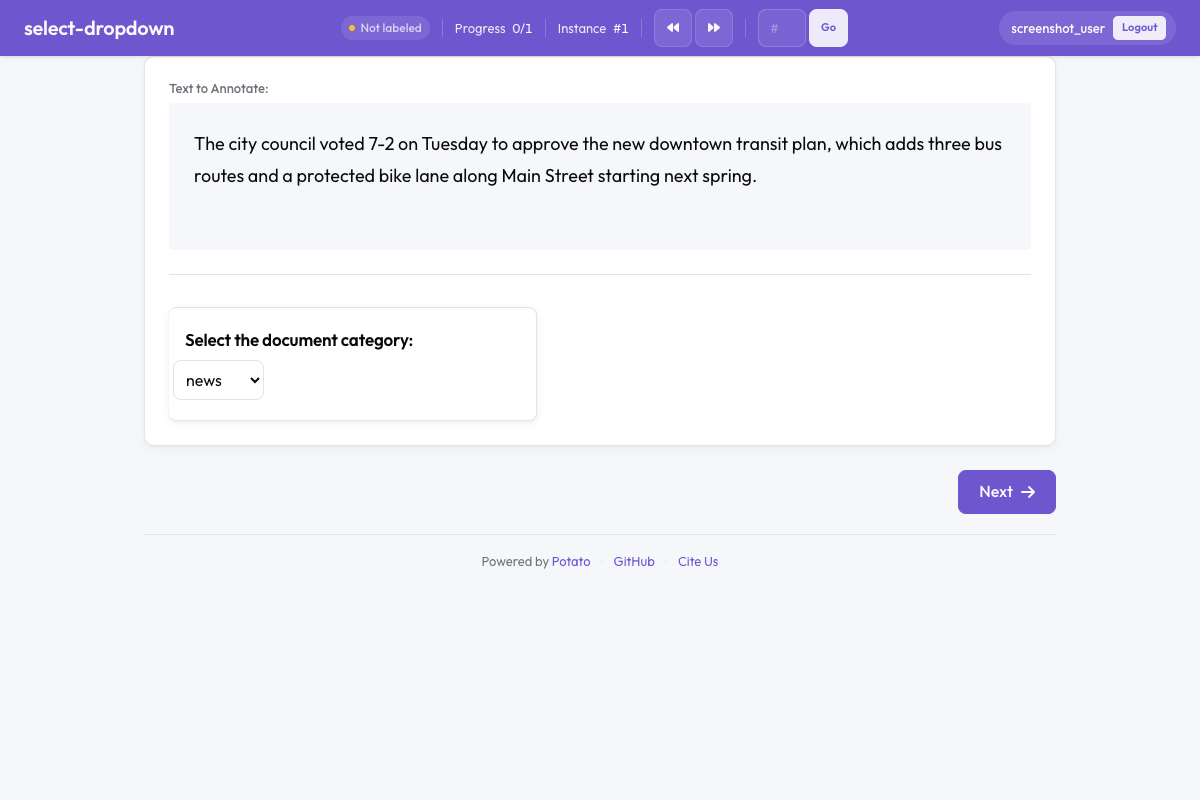 Potatoのドロップダウン選択
基本設定
yaml
annotation_schemes:
  - name: "category"
設定オプション
| フィールド | タイプ | 必須 | 説明 |
|---|---|---|---|
name | string | はい | アノテーションの一意識別子 |
description | string | はい | アノテーターに表示される指示 |
annotation_type | string | はい | "select"でなければならない |
labels | array | はい | 選択肢のリスト |
default | string | いいえ | デフォルトの選択オプション |
required | boolean | いいえ | 選択が必須かどうか |
例
ドキュメント分類
yaml
- name: "document_type"言語選択
yaml
- name: "language"ツールチップ付き
yaml
- name: "genre"出力形式
セレクトアノテーションは選択されたオプション名を出力します:
json
{
  "id": "item_1",
  "annotations": {
    "category": "tutorial"
  }
}
セレクトとラジオの使い分け
| セレクトを使用 | ラジオを使用 |
|---|---|
| 5以上のオプション | 2〜5のオプション |
| アノテーターがオプションをよく知っている | すべてのオプションを一度に見る必要がある |
| スペースが限られている | キーボードショートカットが重要 |
| 長いオプションラベル | 素早い視覚的スキャンが必要 |
ベストプラクティス
- 論理的にオプションを並べる - アルファベット順、頻度順、またはセマンティックグループ別
- 「その他」オプションを含める - リストが網羅的でない可能性がある場合
- 明確で区別しやすいラベルを使用 - 曖昧または重複するカテゴリを避ける
- 適切なデフォルトを設定 - 最も一般的なオプションがある場合、デフォルトにすることを検討