텍스트 및 숫자 입력
Potato에서 자유 텍스트 응답과 숫자 값을 수집합니다. 텍스트 상자, 숫자 필드, 검증 규칙, 자리 표시자 텍스트, 글자 수 제한을 구성합니다.
텍스트 및 숫자 입력을 사용하면 주석자가 자유 형식의 응답을 제공할 수 있으며, 이는 수정, 설명, 개수 세기, 측정에 유용합니다.
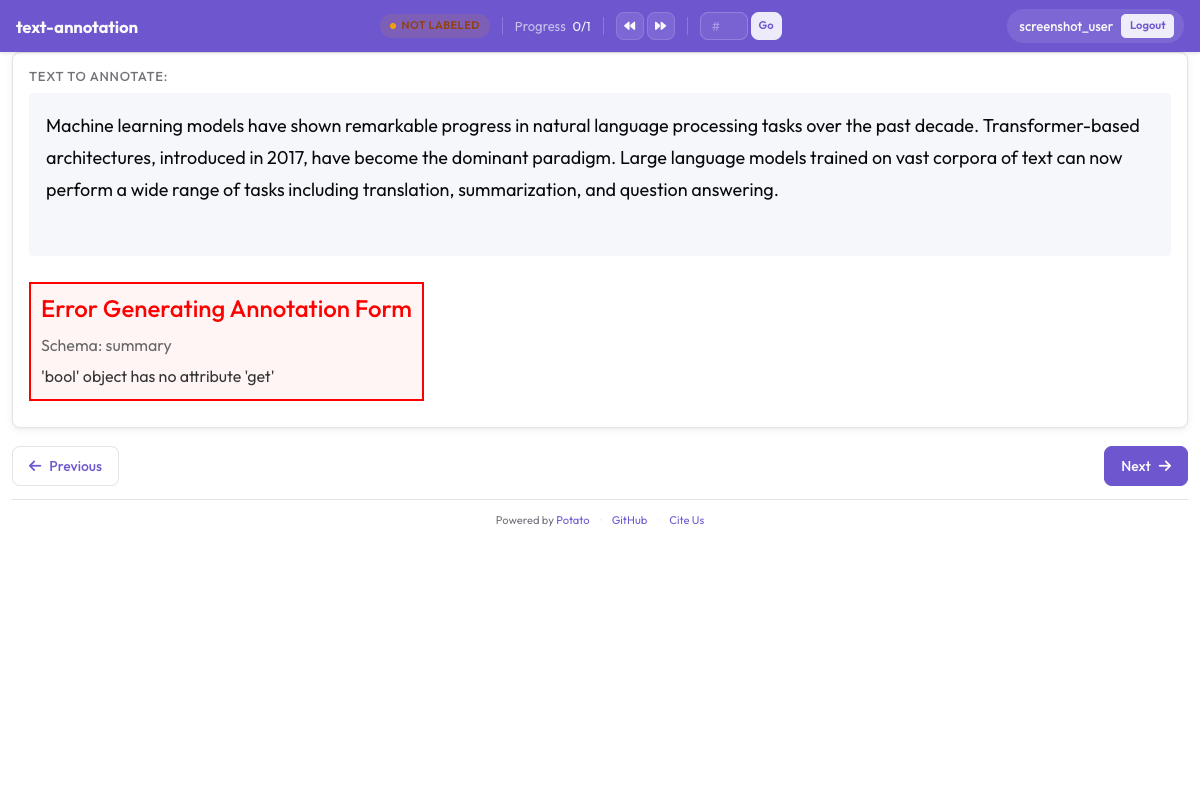 Potato에서 개방형 주석을 위한 자유 텍스트 및 숫자 입력 필드
텍스트 입력
기본 텍스트 필드
한 줄 텍스트 입력입니다.
yaml
annotation_schemes:
  - annotation_type: text
    name: correction
    description: "Provide a corrected version of the text"
여러 줄 입력
더 긴 응답에는 multiline: true를 사용합니다. 텍스트 영역의 크기를 제어하려면 rows와 cols를, 클립보드 붙여넣기를 제어하려면 allow_paste를 설정할 수도 있습니다.
yaml
- annotation_type: text
  name: explanation
  description: "Explain your reasoning"
  rows: 4
  rows: 4
자리 표시자 텍스트
예시 입력으로 주석자를 안내합니다.
yaml
- annotation_type: text
  name: summary
  description: "Write a one-sentence summary"
  placeholder: "Enter your summary here..."
글자 수 제한
min_chars와 max_chars를 사용하여 응답 길이를 제한합니다.
yaml
- annotation_type: text
  name: title
  description: "Suggest a title"
필수 텍스트
필드를 필수로 지정합니다.
yaml
- annotation_type: text
  name: justification
  description: "Why did you choose this label?"
  label_requirement:
    required: true
숫자 입력
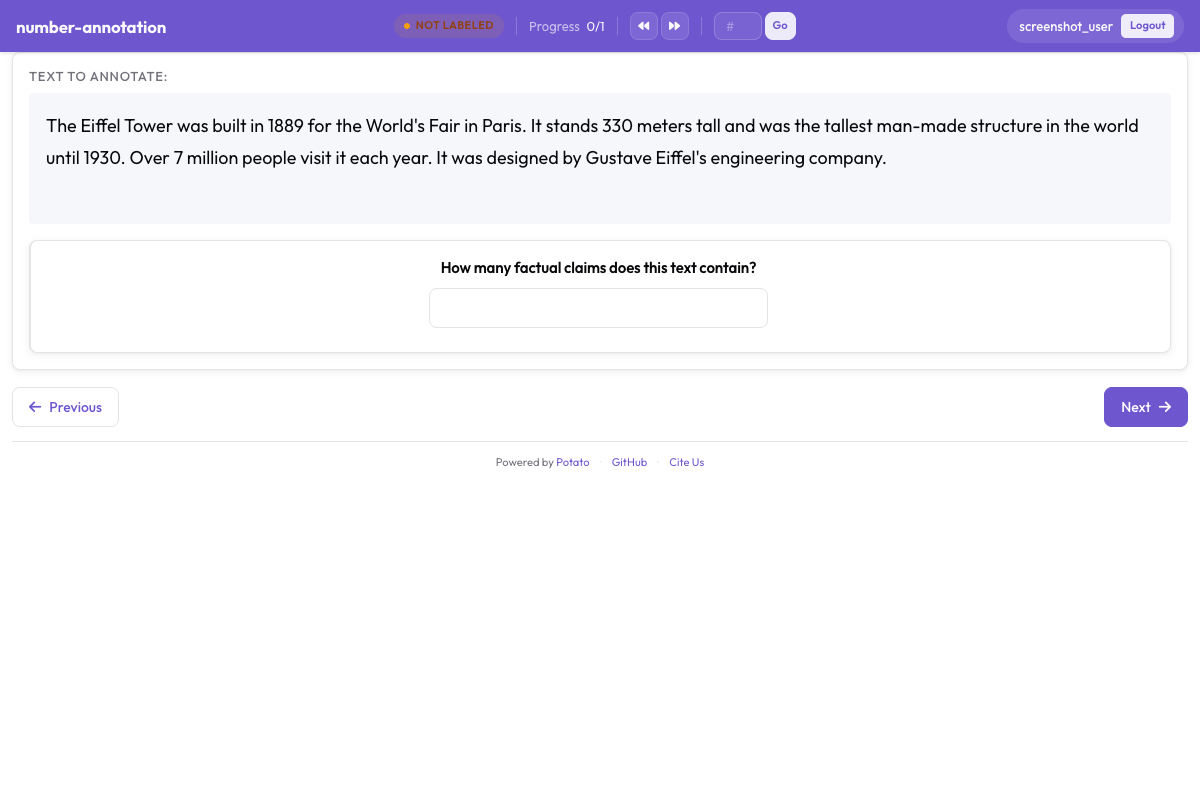 최소·최대 제약이 있는 숫자 입력 필드
기본 숫자 필드
yaml
annotation_schemes:
  - annotation_type: number
    name: count
    description: "How many entities are mentioned?"
범위 제약 조건
최솟값과 최댓값을 설정합니다.
yaml
- annotation_type: number
  name: rating
  description: "Rate from 1 to 10"
  min: 1
  max: 10
단계 크기
증분 정밀도를 제어합니다.
yaml
- annotation_type: number
  name: percentage
  description: "What percentage is relevant?"
  min: 0
  max: 100
  step: 5  # Increments of 5
소수
부동 소수점 값을 허용합니다.
yaml
- annotation_type: number
  name: score
  description: "Confidence score"
  min: 0.0
  max: 1.0
  step: 0.1
기본값
기본값을 미리 채웁니다.
yaml
- annotation_type: number
  name: count
  description: "Number of errors"
  min: 0
슬라이더 입력
숫자 입력의 시각적 대안입니다.
yaml
- annotation_type: slider
  name: confidence
  description: "How confident are you?"
  min_value: 0
  max_value: 100
  step: 1
레이블이 있는 슬라이더
양 끝점에 레이블을 추가합니다.
yaml
- annotation_type: slider
  name: agreement
  description: "How much do you agree?"
  min_value: 0
  max_value: 100
슬라이더 표시 옵션
현재 값을 표시합니다.
yaml
- annotation_type: slider
  name: rating
  min_value: 0
  max_value: 100
일반적인 사용 사례
텍스트 수정 작업
yaml
annotation_schemes:
  - annotation_type: radio
    name: has_error
    description: "Does this text contain errors?"
    labels:
      - "Yes"
      - "No"

  - annotation_type: text
    name: corrected_text
    description: "Provide the corrected version"
    rows: 4
번역 품질
yaml
annotation_schemes:
  - annotation_type: slider
    name: adequacy
    description: "How much meaning is preserved?"
    min_value: 0
    max_value: 100

  - annotation_type: slider
    name: fluency
    description: "How natural does it sound?"
    min_value: 0
    max_value: 100

  - annotation_type: text
    name: improved_translation
    description: "Suggest a better translation (optional)"
    rows: 4
    label_requirement:
      required: false
개체 개수 세기
yaml
annotation_schemes:
  - annotation_type: number
    name: person_count
    description: "How many people are mentioned?"
    min: 0
    max: 50

  - annotation_type: number
    name: org_count
    description: "How many organizations are mentioned?"
    min: 0
    max: 50

  - annotation_type: number
    name: location_count
    description: "How many locations are mentioned?"
    min: 0
    max: 50
피드백 수집
yaml
annotation_schemes:
  - annotation_type: likert
    name: difficulty
    description: "How difficult was this task?"
    size: 5
    min_label: "Very Easy"
    max_label: "Very Hard"

  - annotation_type: text
    name: feedback
    description: "Any additional feedback?"
    rows: 4
    label_requirement:
      required: false
    placeholder: "Share your thoughts..."
근거를 포함한 품질 평가
yaml
annotation_schemes:
  - annotation_type: radio
    name: quality
    description: "Rate the quality"
    labels:
      - Excellent
      - Good
      - Fair
      - Poor

  - annotation_type: text
    name: justification
    description: "Explain your rating"
    rows: 4
    label_requirement:
      required: true
검증
텍스트 검증
yaml
- annotation_type: text
  name: email
  description: "Enter contact email"
숫자 검증
숫자는 min/max에 대해 자동으로 검증됩니다.
yaml
- annotation_type: number
  name: year
  description: "Enter the year"
  min: 1900
  max: 2024
키보드 탐색
텍스트 및 숫자 필드는 표준 키보드 탐색을 지원합니다.
- 필드 간 이동에는
Tab - 제출에는
Enter(한 줄 텍스트의 경우) - 숫자 증가/감소에는 방향 키
출력 형식
텍스트 및 숫자 주석은 직접 저장됩니다.
json
{
  "id": "doc1",
  "correction": "The corrected text goes here.",
  "count": 5,
  "confidence": 85
}
전체 예제: 문서 검토
yaml
annotation_task_name: "Document Review"

annotation_schemes:
  # Quality rating
  - annotation_type: likert
    name: quality
    description: "Overall document quality"
    size: 5
    min_label: "Poor"
    max_label: "Excellent"

  # Error count
  - annotation_type: number
    name: error_count
    description: "Number of errors found"
    min: 0
    max: 100

  # Confidence slider
  - annotation_type: slider
    name: confidence
    description: "How confident are you in this assessment?"
    min_value: 0
    max_value: 100

  # Detailed feedback
  - annotation_type: text
    name: errors_found
    description: "List the errors you found"
    rows: 4
    placeholder: "Describe each error..."

  # Summary
  - annotation_type: text
    name: summary
    description: "Brief summary of the document"
    placeholder: "Summarize in one sentence..."
모범 사례
- 적절한 입력 유형을 사용하십시오 - 연속 값에는 슬라이더, 정밀한 개수에는 숫자
- 합리적인 제약 조건을 설정하십시오 - min/max 값은 잘못된 데이터를 방지합니다
- 자리 표시자를 제공하십시오 - 예상 형식에 대해 주석자를 안내합니다
- 선택적 필드를 명확히하십시오 -
required: false를 사용하고 설명에 표시합니다 - 조건부 표시를 사용하십시오 - 필요할 때만 텍스트 필드를 표시합니다
- 검증을 고려하십시오 - 이메일이나 ID처럼 구조화된 입력에는 패턴을 사용합니다