선택 (드롭다운)
Potato에서 드롭다운 선택 필드를 구성하여 긴 옵션 목록에 대한 단일 선택 어노테이션을 수행합니다 — 검색 가능하며 선택적 기본값과 키보드 탐색을 지원합니다.
select 타입은 단일 선택을 위한 드롭다운 메뉴를 제공합니다. 라디오 버튼을 쓰면 시각적으로 부담스러운 더 긴 옵션 목록(5개 이상)에 가장 적합합니다.
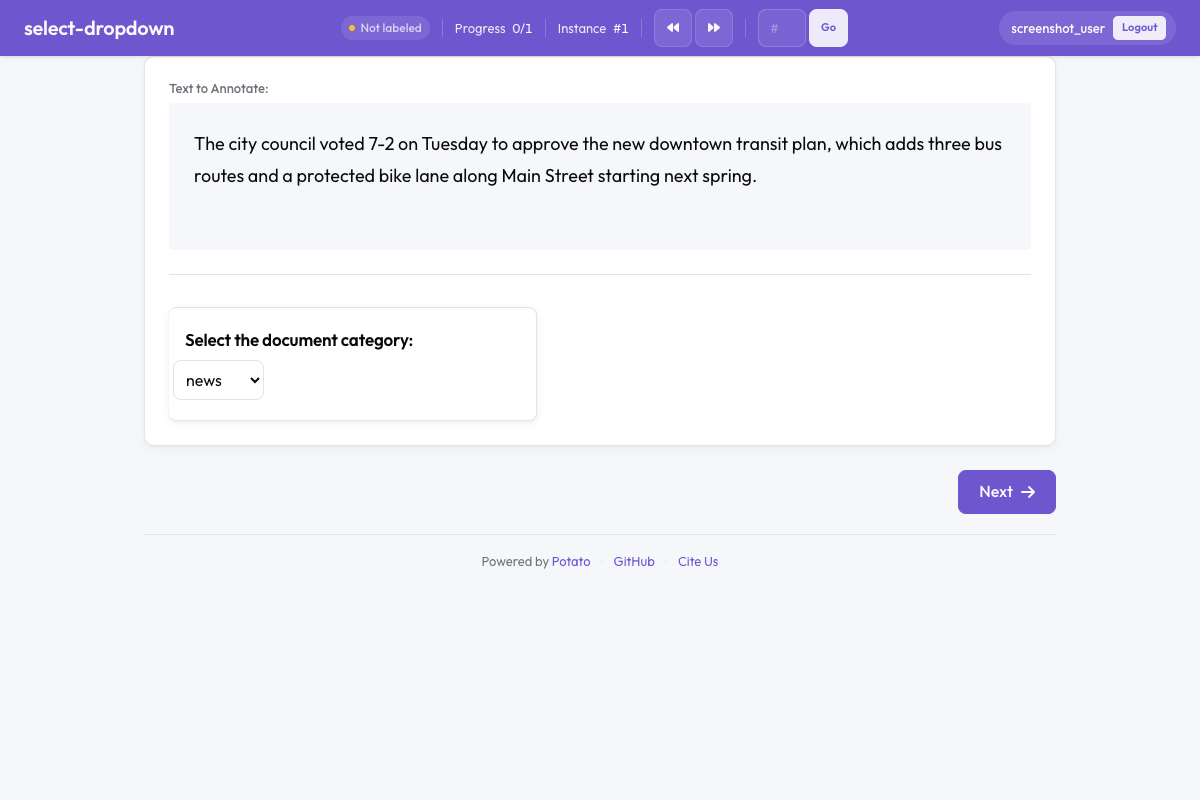 Potato의 선택 드롭다운
기본 구성
yaml
annotation_schemes:
  - name: "category"
구성 옵션
| 필드 | 타입 | 필수 | 설명 |
|---|---|---|---|
name | string | 예 | 어노테이션의 고유 식별자 |
description | string | 예 | 어노테이터에게 표시되는 안내문 |
annotation_type | string | 예 | "select"여야 합니다 |
labels | array | 예 | 선택할 옵션 목록 |
default | string | 아니오 | 기본으로 선택되는 옵션 |
required | boolean | 아니오 | 선택이 필수인지 여부 |
예시
문서 분류
yaml
- name: "document_type"언어 선택
yaml
- name: "language"툴팁과 함께
yaml
- name: "genre"출력 형식
select 어노테이션은 선택된 옵션의 이름을 출력합니다.
json
{
  "id": "item_1",
  "annotations": {
    "category": "tutorial"
  }
}
Select와 Radio 중 무엇을 쓸지
| Select 사용 | Radio 사용 |
|---|---|
| 5개 이상 옵션 | 2~5개 옵션 |
| 어노테이터에게 잘 알려진 옵션 | 모든 옵션을 한눈에 봐야 할 때 |
| 공간이 제한적일 때 | 키보드 단축키가 중요할 때 |
| 옵션 레이블이 길 때 | 빠른 시각적 훑어보기가 필요할 때 |
모범 사례
- 옵션을 논리적으로 정렬하세요 - 알파벳순, 빈도순, 또는 의미적 묶음별로 정렬하세요
- "Other" 옵션을 포함하세요 - 목록이 모든 경우를 포괄하지 못할 수 있을 때
- 명확하고 구분되는 레이블을 사용하세요 - 모호하거나 겹치는 범주를 피하세요
- 합리적인 기본값을 설정하세요 - 한 옵션이 가장 흔하다면 그것을 기본값으로 두는 것을 고려하세요