첫 NER 어노테이션 작업 구축하기
Potato에서 개체명 인식 작업을 구축하는 단계별 가이드. 스팬 어노테이션 구성, 라벨 색상, 겹치는 스팬, 키보드 단축키, CoNLL 내보내기를 다룹니다.
이 튜토리얼은 다섯 가지 개체 유형, 숫자 키 단축키, 어노테이터용 지침, 모델 학습을 위한 CoNLL-2003 내보내기를 갖춘 개체명 인식(NER) 작업을 Potato로 구축합니다. 그 바탕이 되는 스팬 구성 옵션은 스팬 어노테이션 문서를 참고하십시오.
어노테이터가 보게 되는 화면
완성된 작업은 어노테이터에게 문장 하나와 그 위에 놓인 라벨 버튼 한 줄을 보여 줍니다. 어노테이터는 구절을 드래그해 선택하고, 숫자 키를 누르거나 버튼을 클릭해 라벨을 붙이며, 라벨이 붙은 스팬을 다시 클릭해 변경하거나 삭제합니다. 모든 스팬은 문자 오프셋과 함께 저장되므로, 같은 어노테이션 파일로 CoNLL-2003 내보내기와 스팬 단위 일치도 계산을 모두 할 수 있습니다.
사전 준비
Potato 설치, 텍스트 데이터 파일, 그리고 구성 파일을 편집할 수 있을 정도의 YAML 지식이 필요합니다.
pip install potato-annotation1단계: 스팬 스킴
스팬 어노테이션은 Potato의 span 유형입니다. 각 라벨에는 이름이 필요하며, 유용한 선택 필드는 세 가지입니다. color는 빽빽한 텍스트에서 개체 유형을 시각적으로 구분하고, key_value는 라벨에 키보드 단축키를 연결하며, tooltip은 마우스를 올렸을 때 라벨의 정의를 보여 주므로 어노테이터가 코드북을 확인하려고 페이지를 떠날 필요가 없습니다.
유형이 다섯 개면 한 번의 세션 안에 작업을 익힐 수 있습니다. 여덟 개 정도를 넘어가면 어노테이터가 항목마다 가이드라인을 확인하기 시작하고, 바로 그 지점에서 처리량이 떨어집니다. sequential_key_binding은 숫자 키를 켜고, key_value는 어떤 숫자가 어떤 라벨에 대응하는지를 목록 순서에 맡기지 않고 고정합니다. config.yaml을 생성합니다.
annotation_task_name: "Named Entity Recognition"
task_dir: "."

data_files:
  - data/sentences.json

item_properties:
  id_key: id
  text_key: text

output_annotation_dir: "annotation_output/"
export_annotation_format: "jsonl"

annotation_schemes:
  - annotation_type: span
    name: entities
    description: "Highlight and label named entities in the text"
    sequential_key_binding: true
    labels:
      - name: PER
        tooltip: "Person names, including fictional characters"
        color: "#FF6B6B"
        key_value: "1"
      - name: ORG
        tooltip: "Companies, institutions, agencies"
        color: "#4ECDC4"
        key_value: "2"
      - name: LOC
        tooltip: "Places, including countries, cities, landmarks"
        color: "#45B7D1"
        key_value: "3"
      - name: DATE
        tooltip: "Dates, times, and temporal expressions"
        color: "#96CEB4"
        key_value: "4"
      - name: MISC
        tooltip: "Named entities that fit none of the above"
        color: "#FFEAA7"
        key_value: "5"

user_config:
  allow_all_users: true
2단계: 데이터 파일
Potato는 한 줄에 JSON 객체 하나를 읽고, item_properties에 지정된 필드를 가져옵니다. data/sentences.json을 생성합니다.
{"id": "1", "text": "Apple Inc. announced that CEO Tim Cook will visit Paris next Tuesday."}
{"id": "2", "text": "The United Nations headquarters in New York hosted delegates from Japan."}
{"id": "3", "text": "Dr. Sarah Johnson published her research at Stanford University in March 2024."}
인터페이스가 동작하는지 확인하는 데는 문장 세 개면 충분합니다. 실제 코퍼스는 라벨 세트가 파일럿을 통과한 뒤에 불러오십시오.
3단계: 어노테이터가 바로 볼 수 있는 지침
NER 불일치의 대부분은 개체 유형 자체가 아니라 경계 규칙에서 생깁니다. 따라서 가장 많은 항목을 결정하는 규칙은 어노테이션 화면에 두어야 합니다. annotation_instructions는 각 항목 상단에 접을 수 있는 패널로 표시되며, 기본적으로 펼쳐져 있고 어노테이터가 작업에 익숙해지면 접습니다. 위의 구성에 다음 블록을 추가합니다.
annotation_instructions: |
  ## Entity types

  - **PER** covers people, including fictional characters ("John Smith", "Dr. Johnson", "Batman")
  - **ORG** covers companies, institutions, and agencies ("Apple Inc.", "United Nations", "Stanford University")
  - **LOC** covers places, including countries, cities, and landmarks ("Paris", "New York", "Mount Everest")
  - **DATE** covers dates, times, and temporal expressions ("Tuesday", "March 2024", "next week")
  - **MISC** covers named entities that fit none of the above ("Nobel Prize", "iPhone", "COVID-19")

  ## Boundary rules

  1. Include titles (Dr., Mr.) with person names.
  2. For nested entities, annotate the largest meaningful span.
  3. Leave articles (the, a) outside the span.
여기서는 Markdown이 렌더링되므로, 코드북의 텍스트를 HTML로 다시 쓰지 않고 그대로 가져올 수 있습니다. 이 패널에는 대부분의 항목을 결정하는 규칙만 두고, 전체 코드북은 별도 탭에서 열리는 annotation_codebook_url 뒤에 두십시오.
그러면 스팬 인터페이스가 텍스트 위에 라벨을 버튼으로 표시합니다.
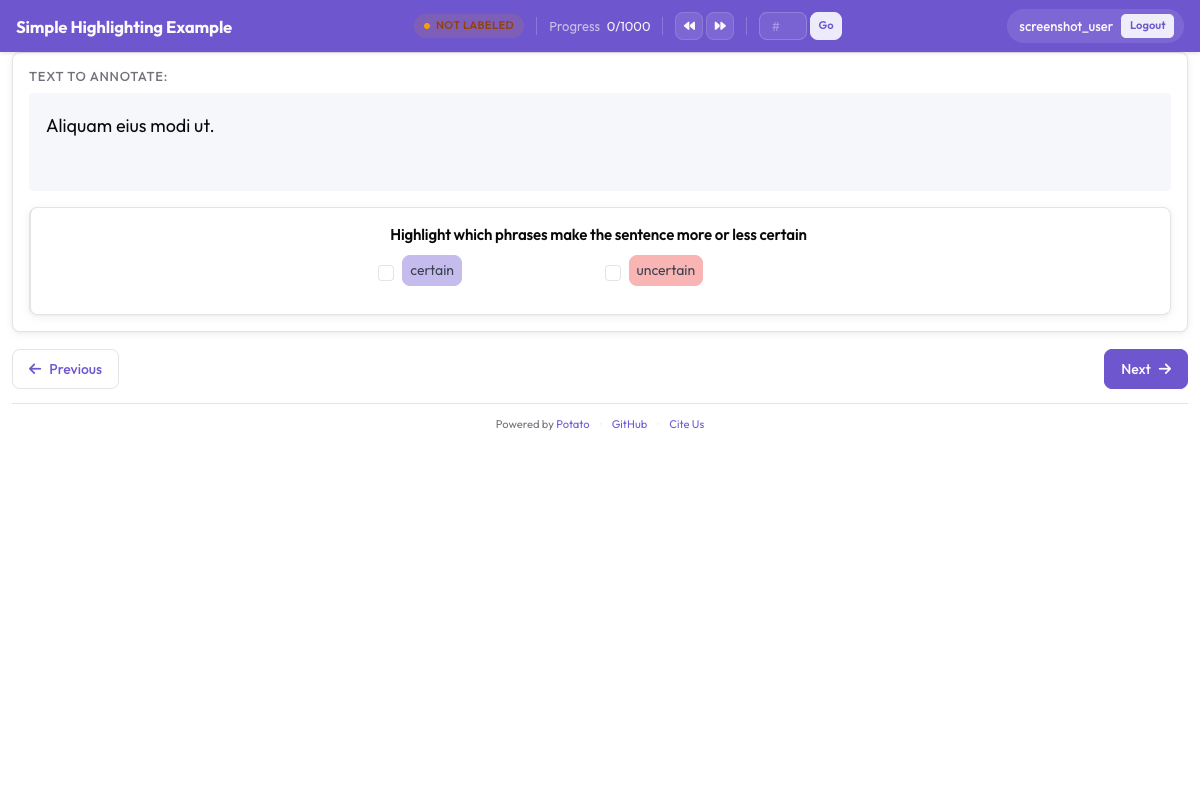 어노테이터가 텍스트 스팬을 강조하고 PER, ORG, LOC, DATE 같은 개체 라벨을 할당합니다
4단계: 작업 실행하기
1단계의 구성으로 서버를 시작합니다.
potato start config.yaml출력된 주소를 열고 로그인합니다. 이후 어노테이터는 개체마다 네 가지 동작을 수행합니다.
- 텍스트 선택. 구절을 클릭하고 드래그합니다.
- 유형 할당. 숫자 키를 누르거나 라벨 버튼을 클릭합니다.
- 실수 수정. 기존 스팬을 클릭해 라벨을 바꾸거나 삭제합니다.
- 제출. 문장을 마치면 다음 항목으로 넘어갑니다.
5단계: 출력 파일에 담기는 내용
어노테이션된 각 항목은 annotation_output/에 JSON 객체 하나로 기록되며, 스킴 이름이 키가 되고 스팬마다 항목이 하나씩 들어갑니다.
{
  "id": "1",
  "text": "Apple Inc. announced that CEO Tim Cook will visit Paris next Tuesday.",
  "entities": [
    {"start": 0, "end": 10, "label": "ORG", "text": "Apple Inc."},
    {"start": 30, "end": 38, "label": "PER", "text": "Tim Cook"},
    {"start": 50, "end": 55, "label": "LOC", "text": "Paris"},
    {"start": 61, "end": 73, "label": "DATE", "text": "next Tuesday"}
  ]
}
이 파일을 후속 작업에 쓸모 있게 만드는 것은 문자 오프셋입니다. 문자 오프셋은 토큰화 방식이 바뀌어도 유지되므로, 같은 어노테이션을 모델이 사용하는 어떤 토크나이저에도 다시 정렬할 수 있습니다.
6단계: CoNLL-2003으로 내보내기
시퀀스 라벨링 모델은 문자 오프셋이 아니라 태그가 붙은 토큰을 읽으므로, Potato는 내보낼 때 스팬을 변환합니다.
python -m potato.export -c config.yaml -f conll_2003 -o ./conll_export/결과는 한 줄에 토큰 하나와 그 태그가 있고, 문장 사이에는 빈 줄이 들어갑니다. tag_scheme 옵션은 BIO, BIOES, IOB 중 하나로 기록하며 기본값은 BIO이므로, 내보내기를 실행하기 전에 학습 코드가 기대하는 형식에 맞추십시오.
가이드라인 다듬기
모호한 규칙은 같은 스팬에 대해 판단이 갈리게 만들므로, 파일럿 규모가 작을 때 규칙을 손볼 가치가 있습니다. 어려운 사례는 어노테이터가 작업을 시작한 뒤가 아니라 시작하기 전에 안내하고, 결론이 난 경계 사례는 생길 때마다 공유 목록에 기록하십시오. 어노테이터 간 일치도가 떨어지면 규칙을 다듬어야 한다는 신호이며, 이를 5,000개 항목보다 50개 항목에서 잡아내는 편이 비용이 적게 듭니다.
다음 단계
- 어노테이터가 실제 항목을 다루기 전에 익숙해지도록 학습 단계를 추가하십시오
- 스팬을 비교할 수 있도록 여러 어노테이터를 설정하십시오
- 모델 학습을 위해 Hugging Face 형식으로 내보내십시오
- 전체 옵션 목록은 스팬 어노테이션 문서를 읽어 보십시오