Potato 2.7.1: The Transcript Already Exists
Potato 2.7.1 reads 21 transcript and subtitle formats, loads them from sidecar files next to your media, and converts a folder of ASR output to a data file.
Potato 2.7.1 reads 21 transcript and subtitle formats directly, loads them from files sitting next to your media rather than requiring everything to be pasted into a data file, and includes a converter for the case where you do want one data file at the end. The release removes the step where the annotation tool asks you to write a conversion script. Almost nobody comes to an annotation tool with raw audio and nothing else. They come with a transcript, because somebody ran Whisper over a folder of interviews, pulled captions off a hundred conference talks, or inherited a corpus of TextGrids from a fieldwork project that ended in 2019.
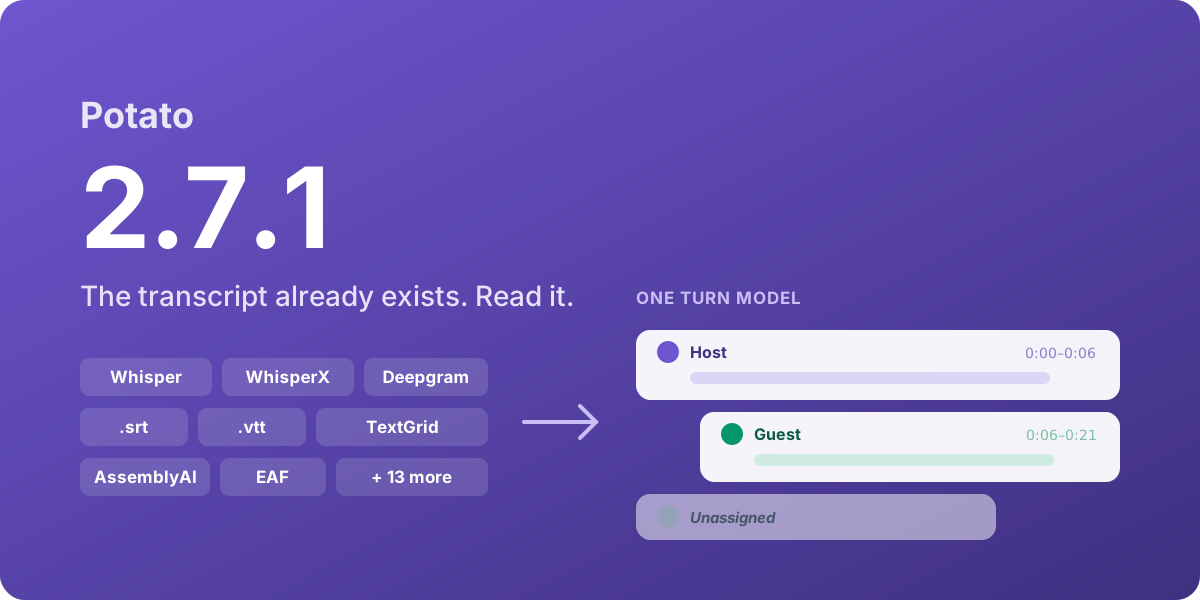 Potato 2.7.1
Transcript formats and the shared turn model
Potato now reads 21 formats, up from 6. The full list is on the Transcript Formats page, and the formats fall roughly into four groups:
- ASR output (nine): Whisper JSON, WhisperX and other diarized JSON, whisper.cpp, Whisper TSV, AWS Transcribe, Deepgram, AssemblyAI, Rev.ai, and SPoRC
- Subtitles and captions (six): SubRip, WebVTT, SubStation Alpha, TTML and DFXP, YouTube
json3, and YouTubesrv1/srv2/srv3 - Forced alignment (three): NIST CTM, Praat TextGrid, and ELAN EAF
- Generic shapes (three): for data that came from somewhere else entirely
The alignment formats are the addition we are happiest about. Export to EAF and TextGrid already existed, so tiered annotations now round-trip, and you can bring an existing alignment in, correct it in Potato, and send it back to ELAN or Praat.
Potato detects the format from the shape of the data rather than the file extension, so a WebVTT file named captions.txt still parses as WebVTT, and the same transcript works inlined or read from disk without a config change. Word-level timings and per-segment confidence are preserved where the source provides them. Formats that are natively word-level, like CTM, Deepgram, and AssemblyAI, get grouped into turns on speaker change plus a pause threshold.
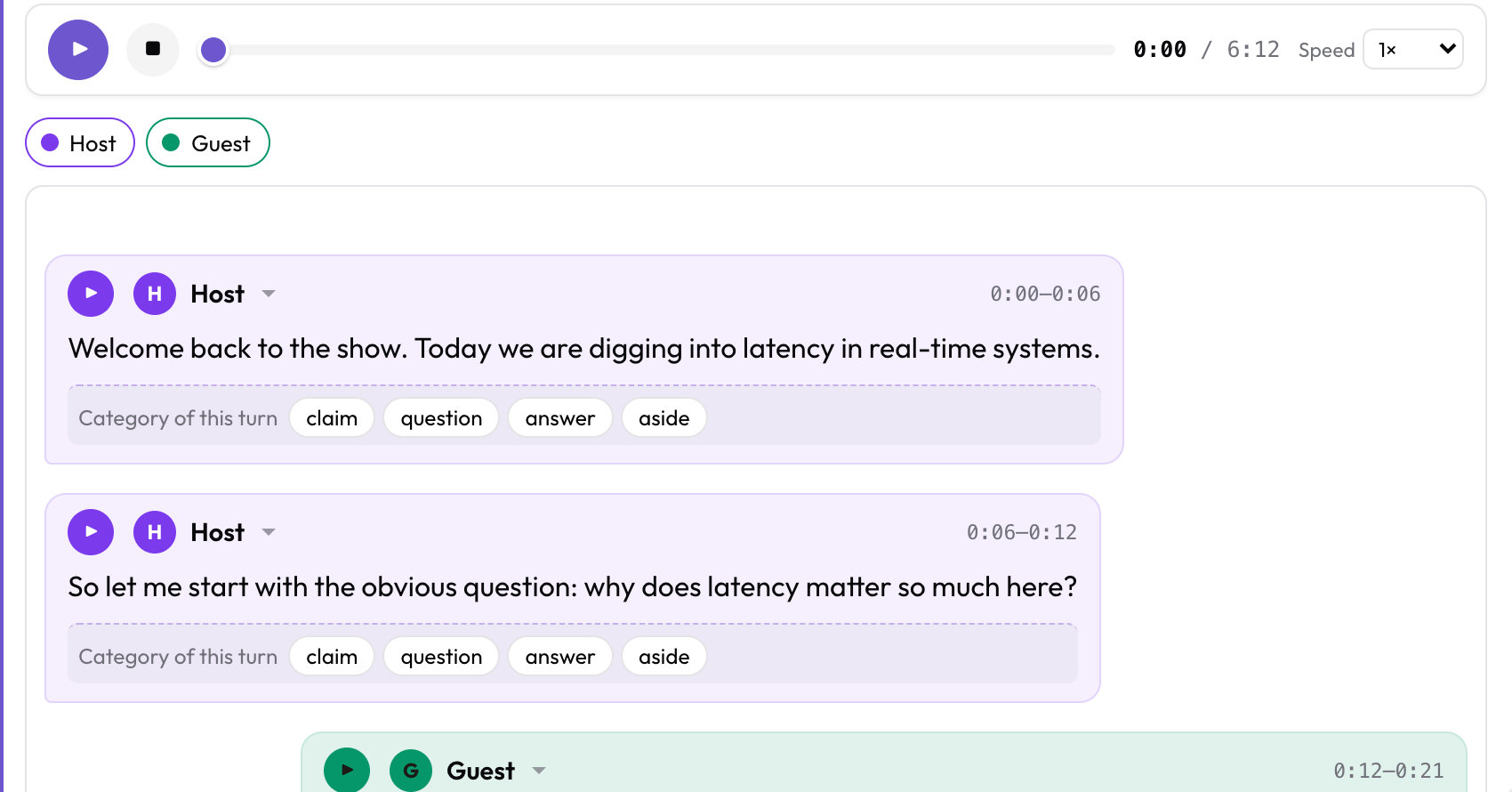 Whatever format went in, this is what comes out
Sidecar transcript files
Your ASR tool already wrote the files in a sensible layout, with the transcript next to the media. There was no good reason to make you flatten that layout into a data blob, because transcripts that stay files can be diffed, regenerated, and handed to someone else instead of fossilized as a copy inside a JSON array. A data file can now point at the transcript directly:
{"id": "int_001", "conversation": {"audio": "media/int_001.mp3",
                                   "transcript": "media/int_001.srt"}}
Paths resolve relative to task_dir and go through the same directory-traversal validation as every other configured path. If your data genuinely holds one-line inline transcripts that happen to look like filenames, transcript_is_path: false turns the heuristic off.
The potato transcripts converter
Sometimes you do want one data file. potato transcripts globs a folder, pairs each transcript to its media by basename, derives item ids from filenames, and writes the result:
potato transcripts ./whisper_out --media-dir ./audio -o data/interviews.json--emit-config prints a matching config.yaml alongside the data file. --dry-run writes nothing and tells you what it found, which is also the first thing to run when a transcript renders as one undifferentiated block:
Scanned 3 file(s):
  interview_01.json      Whisper JSON      42 turns    891.4s  undiarized
  interview_02.json      WhisperX JSON     51 turns   1120.8s  2 speaker(s): SPEAKER_00, SPEAKER_01
  interview_03.json      Whisper JSON      38 turns    754.2s  undiarized

3 item(s), 131 turn(s).
A file reporting plain text is almost always a Whisper .txt that got mixed in with the .json output. The .txt has no timings at all, and you cannot recover them without re-running the model. Those missing timings account for most of the "why does my transcript look wrong" reports we see.
Shared transcript parsing across four schemas
audio_dialogue, speech_transcript, voice_interaction, and tiered_annotation each used to parse transcript data their own way and accept different subsets of formats, for no reason anyone could articulate. They now share one normalizer, so whatever one accepts, all four accept. Existing configs are unaffected, because each schema keeps its old parsing as a fallback, and every transcript shape that worked before still works byte for byte.
tiered_annotation also gains opt-in transcript seeding. Point transcript_field at your transcript and a tier arrives pre-populated, so annotators correct an existing alignment instead of re-segmenting speech from scratch:
  - annotation_type: tiered_annotation
    name: tiers
    source_field: audio_url
    media_type: audio
    tiers:
      - name: utterance
        labels:
          - name: speech
            color: "#7c3aed"
Seeded intervals are not saved until an annotator actually edits them, so an untouched seed never gets misattributed as human work.
Limits of transcript support in 2.7.1
Potato does not transcribe, and it does not diarize. ASR runs upstream, and Potato reads what your pipeline produced. The question comes up because Potato does run a local Whisper model for Think-Aloud Mode, which records annotators talking while they work. Think-Aloud is a capture feature aimed at your annotators rather than your corpus, and the two share a word but serve different purposes. Potato 2.9 later added local transcription and diarization through potato transcripts --transcribe --diarize (see the 2.9 release post).
Word-level confidence is parsed and kept in the data model where the source provides it, but there is no interface for viewing it yet. Some formats have no parser at all, namely SAMI, MicroDVD, SubViewer, Transcriber .trs, EXMARaLDA, CHAT/CHILDES, standalone RTTM, and native Montreal Forced Aligner or Gentle output, so convert those first. We publish that list because a supported-format list with nothing excluded from it is not worth much.
Upgrading
You do not need to change any configuration. Install the release with:
pip install --upgrade potato-annotation==2.7.1Documentation
These pages cover the formats and workflows in detail:
- Transcript Formats, with every format's detection rule, the normalized turn model, sidecar rules, config keys, and troubleshooting keyed to real symptoms
- How to Annotate Whisper Transcripts, on which output file to keep and why diarization is a separate decision
- How to Annotate YouTube Subtitles, on
yt-dlpand what auto-captions will and will not support - Transcript Format Ingestion, a runnable design with six formats side by side