Best-Worst Scaling
Potato में Best-Worst Scaling चलाइए। एनोटेटर हर टपल में सबसे अच्छा और सबसे खराब आइटम चुनते हैं, और counting, Bradley-Terry या Plackett-Luce इन चुनावों को स्कोर में बदलते हैं।
v2.3.0 में नया
Best-Worst Scaling (BWS), जिसे MaxDiff भी कहते हैं, एनोटेटर को आइटम का एक टपल दिखाता है, आमतौर पर चार आइटम का, और किसी मापदंड पर सबसे अच्छा और सबसे खराब आइटम चुनने को कहता है। हर टपल पर दो क्लिक से किसी रेटिंग की तुलना में ज़्यादा जानकारी मिलती है, और क्योंकि निर्णय तुलनात्मक होता है, यह उस समस्या से बच जाता है कि एक एनोटेटर का 7 दूसरे का 5 होता है।
BWS को सेट करने की मेहनत तब सार्थक है जब:
- प्रत्यक्ष संख्यात्मक रेटिंग पर इस बात का असर पड़ता हो कि अलग-अलग एनोटेटर स्केल का इस्तेमाल अलग तरह से करते हैं
- आपको सैकड़ों या हज़ारों आइटम की भरोसेमंद रैंकिंग चाहिए
- गुणवत्ता का आयाम स्वभाव से सापेक्ष हो, जैसे कौन-सा अनुवाद सबसे सहज पढ़ा जाता है
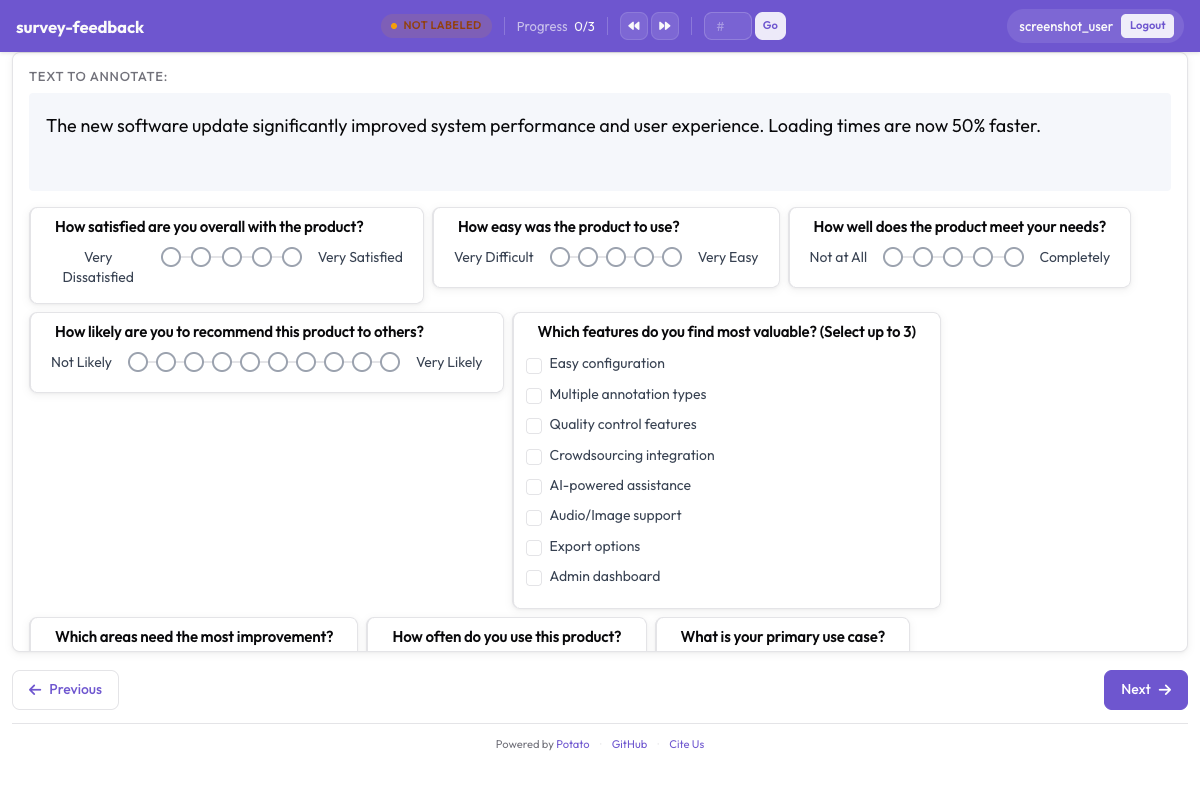 Potato में तुलनात्मक एनोटेशन के लिए Best-Worst Scaling इंटरफ़ेस
कॉन्फ़िगरेशन
BWS कार्य के दो हिस्से होते हैं। स्कीम तय करती है कि एनोटेटर से क्या पूछा जाए, और टॉप-लेवल bws_config ब्लॉक तय करता है कि टपल कैसे बनें और उनका स्कोर कैसे निकले।
bws_config:
  tuple_size: 4              # items shown at once
  min_item_appearances: 8    # how often each item must appear across tuples
  seed: 42
  scoring:
    method: counting         # counting | bradley_terry | plackett_luce

annotation_schemes:
  - annotation_type: bws
    name: fluency
    description: "Select the BEST and WORST translation by fluency"
    tuple_size: 4
    best_description: "Most Fluent"
    worst_description: "Least Fluent"
    sequential_key_binding: true
    label_requirement:
      required: true
स्कीम tuple_size, best_description, worst_description, sequential_key_binding और label_requirement लेती है, इसके अलावा कुछ नहीं। टपल बनाने या उनका स्कोर निकालने से जुड़ी हर चीज़ bws_config में जाती है।
bws_config ब्लॉक के बिना bws स्कीम एक खाली आइटम सूची पर सवाल दिखाती है। BWS कार्य के खाली दिखने की आम वजह यही होती है।
bws_config के विकल्प
| विकल्प | विवरण |
|---|---|
tuple_size | एक टपल में कितने आइटम दिखते हैं |
num_tuples | कुल कितने टपल बनाए जाएँ |
min_item_appearances | कम से कम कितने टपल में हर आइटम आता है |
seed | सैंपलिंग को तय कर देता है, ताकि किसी रन को दोहराया जा सके |
scoring.method | counting, bradley_terry या plackett_luce |
min_item_appearances बढ़ाने से हर आइटम का स्कोर ज़्यादा सटीक होता है, पर इसके लिए ज़्यादा तुलनाएँ करनी पड़ती हैं। स्कोर में शोर हो तो यही सेटिंग बदलनी चाहिए।
डेटा प्रारूप
डेटा फ़ाइल की हर पंक्ति एक आइटम है, और Potato इसी पूल से टपल चुनता है।
{"id": "sys_a", "text": "Le chat s'est assis sur le tapis."}
{"id": "sys_b", "text": "Le chat a assis sur le tapis."}
{"id": "sys_c", "text": "Le chat etait assis sur le mat."}
{"id": "sys_d", "text": "Le chat se tenait sur le tapis."}
टपल बनाने की प्रक्रिया डिज़ाइन को संतुलित रखती है। हर आइटम लगभग बराबर बार आता है, और जिन जोड़ियों की तुलना ज़रूरी है वे इतनी बार साथ आती हैं कि स्कोर आपस में तुलनीय रहें। seed सेट करने से यह बँटवारा दोहराया जा सकता है।
स्कोरिंग
स्कोरिंग डेटा जुटाने के बाद कमांड लाइन से चलती है:
python -m potato.bws_scoring --config config.yaml --method countingनतीजा आउटपुट डायरेक्टरी में bws_scores.tsv में लिखा जाता है, जब तक --output कोई दूसरा पथ न दे। तीन फ़्लैग हैं --config, --method और --output।
Counting
यह डिफ़ॉल्ट विधि है, और पारदर्शी भी। किसी आइटम का स्कोर उन मौक़ों का हिस्सा है जब उसे सबसे अच्छा चुना गया, घटाव उन मौक़ों का हिस्सा जब उसे सबसे खराब चुना गया, इसलिए स्कोर -1.0 से +1.0 तक जाते हैं। इसे किसी अतिरिक्त डिपेंडेंसी की ज़रूरत नहीं होती, और जब आप चाहते हैं कि पाठक नतीजे को हाथ से दोबारा गिन सके, तब रिपोर्ट करने के लिए यही विधि है।
python -m potato.bws_scoring --config config.yaml --method counting --output scores.tsvBradley-Terry
यह विधि हर टपल से निकलने वाली जोड़ीवार तुलनाओं पर एक मॉडल फ़िट करती है। सबसे अच्छा आइटम अपने टपल के हर दूसरे आइटम से जीतता है, और हर दूसरा आइटम सबसे खराब से जीतता है। विरल डेटा को यह counting से बेहतर संभालती है।
python -m potato.bws_scoring --config config.yaml --method bradley_terryPlackett-Luce
यह हर निर्णय को दो चुनावों के रूप में लेती है: पहले पूरे टपल में से सबसे अच्छा, फिर बचे हुए आइटम में से सबसे खराब। best-worst निर्णय कैसे लिए जाते हैं, इसका यही MaxDiff मॉडल है। यह maximum likelihood से हर आइटम के लिए एक utility फ़िट करती है। 2.10.2 से पहले यह Bradley-Terry वाले ही जोड़े फ़िट करती थी और एक जैसे स्कोर देती थी, इसलिए अगर आपने इसके नतीजे रिपोर्ट किए हैं तो 2.10.2 या उसके बाद के संस्करण से दोबारा स्कोर निकालें।
python -m potato.bws_scoring --config config.yaml --method plackett_luceविधि चुनना
| विधि | गति | इस्तेमाल होने वाली जानकारी | किसके लिए सबसे अच्छी |
|---|---|---|---|
counting | तेज़ | सबसे अच्छे और सबसे खराब की गिनती | खोजपरक विश्लेषण, और ऐसे नतीजे जिन्हें आसानी से जाँचा जा सके |
bradley_terry | मध्यम | निहित जोड़ीवार तुलनाएँ | आम तौर पर डिफ़ॉल्ट विकल्प |
plackett_luce | धीमी | सबसे अच्छे और सबसे खराब का हर चुनाव, उसी क्रम में जिसमें वह किया गया | ख़ुद निर्णय का likelihood मॉडल |
bradley_terry को pip install choix चाहिए। plackett_luce scipy का उपयोग करती है, जिसे Potato पहले से इंस्टॉल करता है।
एक साथ कई आयाम
एक ही आइटम पर दो BWS स्कीम हर टपल पर दो निर्णय जुटाती हैं। इसकी लागत दो अतिरिक्त क्लिक है, पूरे कॉर्पस पर दूसरा चक्कर नहीं:
annotation_schemes:
  - annotation_type: bws
    name: fluency
    description: "Select the BEST and WORST by fluency"
    tuple_size: 4
    best_description: "Most Fluent"
    worst_description: "Least Fluent"

  - annotation_type: bws
    name: adequacy
    description: "Select the BEST and WORST by meaning preservation"
    tuple_size: 4
    best_description: "Most Accurate"
    worst_description: "Least Accurate"
आउटपुट में क्या होता है
हर स्कीम सबसे अच्छा चुना गया आइटम और सबसे खराब चुना गया आइटम दर्ज करती है:
{
  "fluency": {"best": "sys_d", "worst": "sys_c"},
  "adequacy": {"best": "sys_a", "worst": "sys_c"}
}
स्कोर इस फ़ाइल में नहीं होते। उन्हें बाद में potato.bws_scoring निकालता है, और इसी वजह से आप किसी पूरी हो चुकी स्टडी का स्कोर किसी दूसरी विधि से दोबारा निकाल सकते हैं, बिना कुछ भी फिर से जुटाए।
निगरानी
एडमिन डैशबोर्ड में एक BWS टैब है जो एनोटेशन की प्रगति और आइटम के मौजूदा स्कोर दिखाता है, ताकि डेटा जुटाना बंद करने का फ़ैसला करने से पहले आप देख सकें कि रैंकिंग स्थिर हुई है या नहीं।
पूरा उदाहरण
annotation_task_name: "MT System Ranking (BWS)"
task_dir: "."

data_files:
  - "data/mt_systems.jsonl"

item_properties:
  id_key: id
  text_key: text

bws_config:
  tuple_size: 4
  min_item_appearances: 8
  seed: 42
  scoring:
    method: bradley_terry

annotation_schemes:
  - annotation_type: bws
    name: overall_quality
    description: "Select the BEST and the WORST translation"
    tuple_size: 4
    best_description: "Best Translation"
    worst_description: "Worst Translation"
    sequential_key_binding: true
    label_requirement:
      required: true

output_annotation_dir: "annotation_output/"
export_annotation_format: jsonl

user_config:
  allow_all_users: true
एनोटेशन जुटाइए, फिर उनका स्कोर निकालिए:
potato start config.yaml -p 8000
python -m potato.bws_scoring --config config.yaml --method bradley_terry
अधिक पढ़ें
- जोड़ीवार तुलना - दो आइटम वाला मामला
- Likert स्केल - तुलना के बजाय प्रत्यक्ष रेटिंग
- निर्यात प्रारूप - एनोटेशन बाहर निकालना
कार्यान्वयन के विवरण के लिए स्रोत दस्तावेज़ीकरण देखें।