Construire votre première tâche d'annotation NER
Guide pas à pas pour construire une tâche de reconnaissance d'entités nommées dans Potato, avec configuration des spans, couleurs d'étiquettes, spans qui se chevauchent, raccourcis clavier et export CoNLL.
Ce tutoriel construit dans Potato une tâche de reconnaissance d'entités nommées (NER) avec cinq types d'entités, des raccourcis sur les touches numériques, des consignes pour les annotateurs et un export CoNLL-2003 pour l'entraînement de modèles. Pour les options de configuration des spans qui la sous-tendent, consultez la documentation sur l'annotation par span.
Ce que l'annotateur obtient
La tâche terminée présente à l'annotateur une phrase surmontée d'une rangée de boutons étiquetés. Il fait glisser la souris sur une expression pour la sélectionner, appuie sur une touche numérique ou clique sur un bouton pour l'étiqueter, puis clique de nouveau sur un span étiqueté pour le modifier ou le supprimer. Chaque span est enregistré avec ses positions en caractères, de sorte que le même fichier d'annotations alimente à la fois un export CoNLL-2003 et un calcul d'accord au niveau des spans.
Prérequis
Il vous faut Potato installé, un fichier de données textuelles et assez de YAML pour modifier une configuration :
pip install potato-annotationÉtape 1 : Le schéma de span
L'annotation par span correspond au type span de Potato. Chaque étiquette a besoin d'un nom, et les champs facultatifs utiles sont color, qui distingue visuellement les types d'entités dans un texte dense, key_value, qui associe un raccourci clavier à l'étiquette, et tooltip, qui affiche la définition de l'étiquette au survol pour que les annotateurs n'aient pas à quitter la page pour consulter le guide de codage.
Cinq types permettent d'apprendre la tâche en une seule séance. Au-delà d'environ huit, les annotateurs se mettent à vérifier les consignes à chaque item, et c'est là que le débit chute. sequential_key_binding active les touches numériques, et key_value fixe quel chiffre va avec quelle étiquette au lieu de laisser l'ordre de la liste en décider. Créez config.yaml :
annotation_task_name: "Named Entity Recognition"
task_dir: "."

data_files:
  - data/sentences.json

item_properties:
  id_key: id
  text_key: text

output_annotation_dir: "annotation_output/"
export_annotation_format: "jsonl"

annotation_schemes:
  - annotation_type: span
    name: entities
    description: "Highlight and label named entities in the text"
    sequential_key_binding: true
    labels:
      - name: PER
        tooltip: "Person names, including fictional characters"
        color: "#FF6B6B"
        key_value: "1"
      - name: ORG
        tooltip: "Companies, institutions, agencies"
        color: "#4ECDC4"
        key_value: "2"
      - name: LOC
        tooltip: "Places, including countries, cities, landmarks"
        color: "#45B7D1"
        key_value: "3"
      - name: DATE
        tooltip: "Dates, times, and temporal expressions"
        color: "#96CEB4"
        key_value: "4"
      - name: MISC
        tooltip: "Named entities that fit none of the above"
        color: "#FFEAA7"
        key_value: "5"

user_config:
  allow_all_users: true
Étape 2 : Le fichier de données
Potato lit un objet JSON par ligne et prend les champs nommés dans item_properties. Créez data/sentences.json :
{"id": "1", "text": "Apple Inc. announced that CEO Tim Cook will visit Paris next Tuesday."}
{"id": "2", "text": "The United Nations headquarters in New York hosted delegates from Japan."}
{"id": "3", "text": "Dr. Sarah Johnson published her research at Stanford University in March 2024."}
Trois phrases suffisent pour vérifier que l'interface fonctionne. Chargez le vrai corpus une fois que le jeu d'étiquettes a tenu lors d'un pilote.
Étape 3 : Des consignes à portée de l'annotateur
L'essentiel des désaccords en NER vient des règles de délimitation plutôt que des types d'entités eux-mêmes, si bien que les règles qui tranchent le plus d'items ont leur place sur l'écran d'annotation. annotation_instructions s'affiche sous forme de panneau repliable en haut de chaque item, ouvert par défaut, que les annotateurs replient une fois la tâche maîtrisée. Ajoutez ce bloc à la configuration ci-dessus :
annotation_instructions: |
  ## Entity types

  - **PER** covers people, including fictional characters ("John Smith", "Dr. Johnson", "Batman")
  - **ORG** covers companies, institutions, and agencies ("Apple Inc.", "United Nations", "Stanford University")
  - **LOC** covers places, including countries, cities, and landmarks ("Paris", "New York", "Mount Everest")
  - **DATE** covers dates, times, and temporal expressions ("Tuesday", "March 2024", "next week")
  - **MISC** covers named entities that fit none of the above ("Nobel Prize", "iPhone", "COVID-19")

  ## Boundary rules

  1. Include titles (Dr., Mr.) with person names.
  2. For nested entities, annotate the largest meaningful span.
  3. Leave articles (the, a) outside the span.
Le Markdown est rendu ici, donc le même texte peut être repris de votre guide de codage sans le réécrire en HTML. Limitez ce panneau aux règles qui règlent la plupart des items et placez le guide de codage complet derrière annotation_codebook_url, qui s'ouvre dans son propre onglet.
L'interface d'annotation par span affiche alors les étiquettes sous forme de boutons au-dessus du texte :
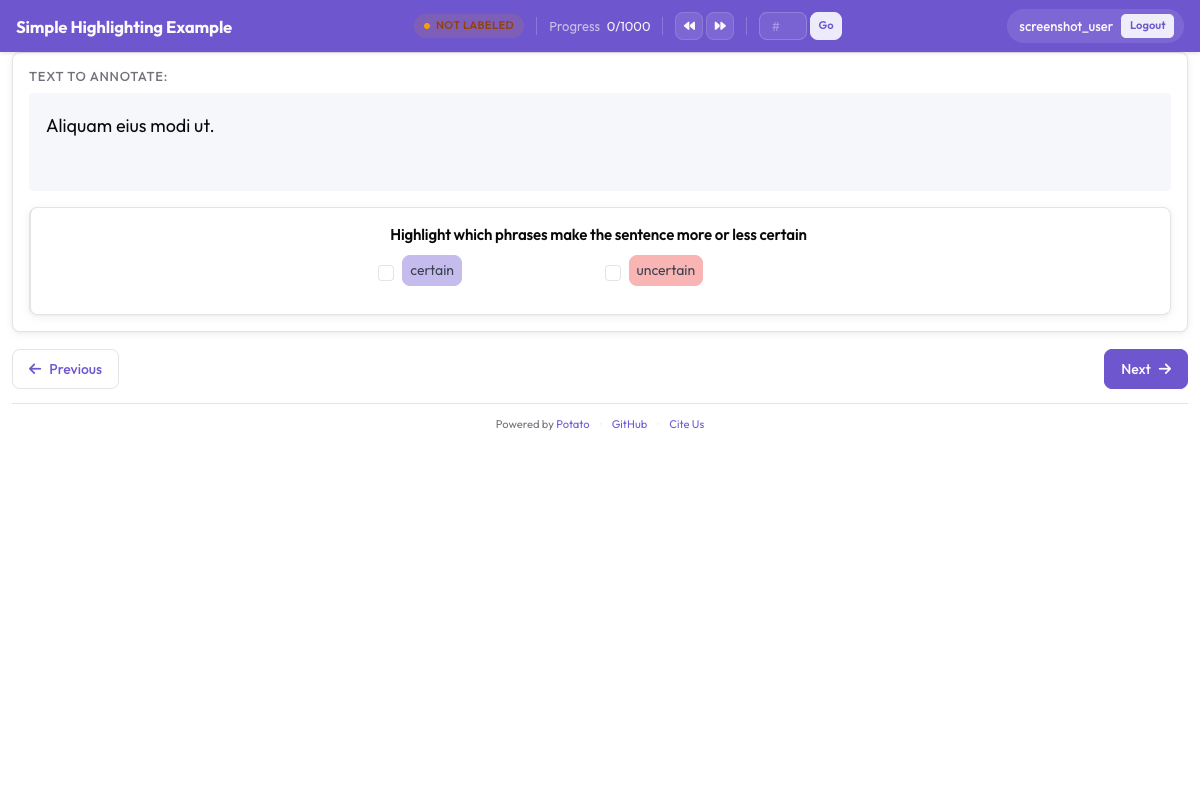 Les annotateurs surlignent des spans de texte et attribuent des étiquettes d'entités comme PER, ORG, LOC et DATE
Étape 4 : Lancer la tâche
Démarrez le serveur avec la configuration de l'étape 1 :
potato start config.yamlOuvrez l'adresse qu'il affiche et connectez-vous. L'annotateur effectue ensuite quatre gestes par entité :
- Sélectionner le texte. Cliquez et faites glisser sur l'expression.
- Attribuer le type. Appuyez sur la touche numérique ou cliquez sur le bouton de l'étiquette.
- Corriger une erreur. Cliquez sur un span existant pour changer son étiquette ou le supprimer.
- Soumettre. Passez à l'item suivant une fois la phrase terminée.
Étape 5 : Ce que contient le fichier de sortie
Chaque item annoté est écrit dans annotation_output/ sous forme d'un objet JSON, avec le nom du schéma comme clé et une entrée par span :
{
  "id": "1",
  "text": "Apple Inc. announced that CEO Tim Cook will visit Paris next Tuesday.",
  "entities": [
    {"start": 0, "end": 10, "label": "ORG", "text": "Apple Inc."},
    {"start": 30, "end": 38, "label": "PER", "text": "Tim Cook"},
    {"start": 50, "end": 55, "label": "LOC", "text": "Paris"},
    {"start": 61, "end": 73, "label": "DATE", "text": "next Tuesday"}
  ]
}
Ce sont les positions en caractères qui rendent le fichier utile en aval. Elles résistent aux changements de tokenisation, de sorte que les mêmes annotations peuvent être réalignées sur le tokeniseur qu'utilise votre modèle.
Étape 6 : Exporter en CoNLL-2003
Les modèles d'étiquetage de séquences lisent des tokens étiquetés plutôt que des positions en caractères, donc Potato convertit les spans à l'export :
python -m potato.export -c config.yaml -f conll_2003 -o ./conll_export/Le résultat comporte un token par ligne avec son étiquette, et des lignes vides entre les phrases. L'option tag_scheme produit du BIO, du BIOES ou de l'IOB, BIO étant la valeur par défaut, alors faites-la correspondre à ce qu'attend votre code d'entraînement avant de lancer l'export.
Resserrer les consignes
Des règles floues produisent des décisions divergentes sur un même span, il vaut donc la peine de réviser les règles tant que le pilote est encore petit. Passez en revue les cas difficiles avec les annotateurs avant qu'ils ne commencent plutôt qu'après, et tenez une liste partagée des cas limites tranchés au fur et à mesure qu'ils apparaissent. Une baisse de l'accord entre annotateurs signale qu'une règle doit être resserrée, et il coûte moins cher de le repérer sur 50 items que sur 5 000.
Prochaines étapes
- Ajoutez une phase d'entraînement pour former les annotateurs avant qu'ils ne touchent aux vrais items
- Configurez plusieurs annotateurs pour pouvoir comparer les spans
- Exportez au format Hugging Face pour l'entraînement de modèles
- Lisez la documentation sur l'annotation par span pour la liste complète des options