Potato से इमेज वर्गीकरण
Potato में इमेज वर्गीकरण सेट कीजिए, जिसमें instance_display से इमेज दिखाई जाती हैं और radio व multiselect स्कीमा से लेबल जुटाए जाते हैं, गुणवत्ता जाँचों समेत।
देर-सबेर ज़्यादातर कंप्यूटर विज़न प्रोजेक्ट को लेबल लगी इमेज का ढेर चाहिए होता है, और लेबल कोई न कोई लगाता ही है। आप उत्पादों की तस्वीरें छाँट रहे हों, सामग्री की जाँच कर रहे हों, या मेडिकल स्कैन वर्गीकृत कर रहे हों, इंटरफ़ेस Potato सँभाल लेता है ताकि आप लेबल पर ध्यान दे सकें। यह ट्यूटोरियल आम सेटअप बताता है: एक लेबल और कई लेबल वाला वर्गीकरण, श्रेणियों का नेस्टेड ढाँचा, और वे गुणवत्ता जाँचें जो इमेज कार्यों को ईमानदार बनाए रखती हैं।
पहले इमेज दिखाइए, फिर सवाल पूछिए
Potato में वर्गीकरण और ड्रॉइंग अलग-अलग काम हैं, और इन्हें आपस में मिला देना आम तौर पर पहली गलती होती है। instance_display तस्वीर को स्क्रीन पर लाता है। annotation_schemes सवाल पूछता है। image_annotation प्रकार इमेज पर बॉक्स और मास्क बनाने के लिए है, इसलिए वर्गीकरण के कार्य में इसका इस्तेमाल होता ही नहीं।
annotation_task_name: "Product Image Classification"
task_dir: "."

data_files:
  - data/products.json

item_properties:
  id_key: product_id
  text_key: image_url

instance_display:
  fields:
    - key: image_url
      type: image
      label: "Product image"
      display_options:
        max_width: 600
        zoomable: true

annotation_schemes:
  - annotation_type: radio
    name: category
    description: "What type of product is shown?"
    labels:
      - Electronics
      - Clothing
      - Home & Garden
      - Sports & Outdoors
      - Books & Media
      - Other
    sequential_key_binding: true

output_annotation_dir: annotation_output/
export_annotation_format: jsonl
sequential_key_binding छह लेबलों को 1 से 6 तक की कुंजियाँ दे देता है। जिस कार्य में बस एक नज़र और एक क्लिक लगता है, उसमें काम की ज़्यादातर रफ़्तार कीबोर्ड से ही आती है।
इंटरफ़ेस इमेज दिखाता है और उसके नीचे श्रेणी के लेबल:
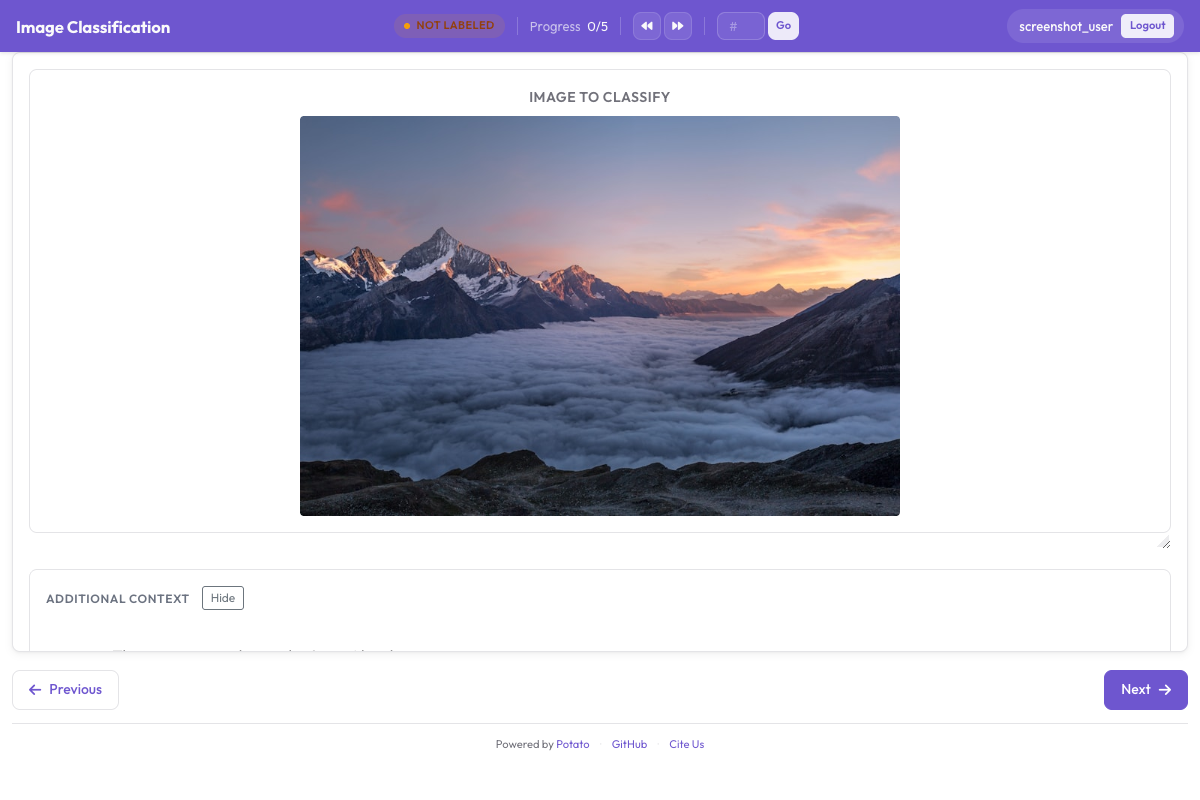 इमेज एनोटेशन इंटरफ़ेस, जिसमें उत्पाद की तस्वीर के साथ वर्गीकरण लेबल और कीबोर्ड शॉर्टकट दिख रहे हैं
डेटा प्रारूप
data/products.json बनाइए:
{"product_id": "P001", "image_url": "/images/products/laptop.jpg"}
{"product_id": "P002", "image_url": "/images/products/tshirt.jpg"}
{"product_id": "P003", "image_url": "/images/products/garden_tools.jpg"}
{"product_id": "P004", "image_url": "https://example.com/images/basketball.jpg"}
इमेज टास्क डायरेक्टरी के अंदर के लोकल पथ भी हो सकती हैं और पूरे (absolute) URL भी। text_key उस फ़ील्ड की ओर इशारा करता है जिसमें पथ है, और यही वह फ़ील्ड है जिसे Potato डिस्प्ले को सौंपता है।
कई लेबल वाला वर्गीकरण
जहाँ एक इमेज एक साथ कई श्रेणियों में आती हो, वहाँ multiselect इस्तेमाल कीजिए:
annotation_schemes:
  - annotation_type: multiselect
    name: attributes
    description: "Select all attributes that apply to this image"
    labels:
      - Contains people
      - Outdoor scene
      - Indoor scene
      - Contains text
      - Product photo
      - Lifestyle photo
      - Close-up shot
      - Wide angle
नेस्टेड श्रेणियाँ
Potato में radio बटनों के लिए कोई नेस्टेड लेबल प्रकार नहीं है, इसलिए दो स्तरों वाली श्रेणी-व्यवस्था का मतलब है दो स्कीमा। हर स्कीमा को अपने labels चाहिए, और उपश्रेणियों की सूची में हर मुख्य श्रेणी की उपश्रेणियाँ होनी चाहिए:
annotation_schemes:
  - annotation_type: radio
    name: main_category
    description: "Primary category"
    labels:
      - Apparel
      - Electronics
      - Home

  - annotation_type: radio
    name: subcategory
    description: "Subcategory within the primary category"
    labels:
      - Tops
      - Bottoms
      - Footwear
      - Phones & Tablets
      - Computers
      - Audio
      - Furniture
      - Kitchen
      - Decor
जहाँ दूसरी सूची लंबी होने लगे, वहाँ hierarchical_multiselect दो स्कीमा की जगह उसे एक ही विजेट में समेट देता है।
वर्गीकरण के साथ गुणवत्ता जाँचें
annotation_schemes:
  - annotation_type: radio
    name: category
    description: "Product category"
    labels: [Electronics, Clothing, Home, Other]

  - annotation_type: radio
    name: image_quality
    description: "Is this image suitable for the product catalog?"
    labels:
      - name: Approved
        tooltip: "Clear, well-lit, product is visible"
      - name: Needs review
        tooltip: "Minor issues but potentially usable"
      - name: Rejected
        tooltip: "Poor quality, wrong product, or inappropriate"

  - annotation_type: multiselect
    name: quality_issues
    description: "If not approved, what issues are present?"
    labels:
      - Blurry or out of focus
      - Poor lighting
      - Wrong product shown
      - Watermark or text overlay
      - Inappropriate content
      - Multiple products in frame
हर लेबल का मार्गदर्शन tooltip में जाता है, क्योंकि लेबल यही कुंजी पढ़ते हैं। अगर आप इसे किसी लेबल पर description: के रूप में लिखें, तो वह टेक्स्ट ऐसी किसी जगह नहीं दिखता जहाँ एनोटेटर उसे देख सके।
पूरा उदाहरण
annotation_task_name: "E-commerce Image Classification"
task_dir: "."

data_files:
  - data/images.json

item_properties:
  id_key: sku
  text_key: image_path

instance_display:
  fields:
    - key: image_path
      type: image
      label: "Product image"
      display_options:
        max_width: 700
        zoomable: true

annotation_schemes:
  - annotation_type: radio
    name: primary_category
    description: "Select the main product category"
    labels:
      - Electronics
      - Clothing & Accessories
      - Home & Living
      - Beauty & Personal Care
      - Sports & Fitness
      - Toys & Games
      - Other
    sequential_key_binding: true

  - annotation_type: multiselect
    name: image_attributes
    description: "Select all that apply"
    labels:
      - White background
      - Lifestyle shot
      - Multiple angles
      - Model wearing or using
      - Size reference included
      - Brand visible
    label_requirement:
      required: false

  - annotation_type: radio
    name: listing_ready
    description: "Is this image ready for the product listing?"
    labels:
      - Ready to publish
      - Needs editing
      - Reshoot required
    label_requirement:
      required: true

annotation_instructions: |
  ## Image Classification Guidelines

  ### Category selection
  Choose the most specific category that fits the product.

  ### Image quality
  - Ready to publish: clear, professional, meets standards
  - Needs editing: good photo that needs cropping or color correction
  - Reshoot required: fundamentally unsuitable

output_annotation_dir: annotation_output/
export_annotation_format: jsonl
इमेज एनोटेशन के लिए सुझाव
रंग और चमक हर मॉनिटर पर अलग दिखते हैं, इसलिए जहाँ इनसे फ़र्क़ पड़ता हो वहाँ यह पक्का कीजिए कि एनोटेटर ठीक-ठाक कैलिब्रेट की गई स्क्रीन पर हैं। श्रेणियों को शब्दों में समझाने के बजाय दिशानिर्देशों में उदाहरण इमेज लगाइए; एक तस्वीर पूरे पैराग्राफ़ से ज़्यादा बहस निपटा देती है। दुविधा वाली इमेज का क्या करना है, यह लिखकर रखिए, क्योंकि दुविधा वाली इमेज आएँगी ज़रूर। और बीच-बीच में पूरी टीम से एक ही बैच पर लेबल लगवाकर मिलाइए, ताकि बहकाव जल्दी पकड़ में आ जाए।
लागू करने के ब्योरे के लिए इमेज एनोटेशन दस्तावेज़ देखें।
अगले क़दम
- object detection के लिए bounding box एनोटेशन सीखिए
- segmentation के लिए polygon एनोटेशन सेट कीजिए
- समय से जुड़े कार्यों के लिए वीडियो एनोटेशन देखिए
इमेज एनोटेशन के पूरे दस्तावेज़ छवि एनोटेशन पर हैं।