Building Your First NER Annotation Task
Step-by-step guide to building a named entity recognition task in Potato, span annotation config, label colors, overlapping spans, keyboard shortcuts, and CoNLL export.
This tutorial builds a named entity recognition (NER) task in Potato with five entity types, number-key shortcuts, annotator instructions, and a CoNLL-2003 export for model training. For the span configuration options behind it, see the span annotation documentation.
What the annotator gets
The finished task gives an annotator a sentence and a row of labeled buttons above it. They drag across a phrase to select it, press a number key or click a button to label it, and click a labeled span again to change or remove it. Every span is stored with its character offsets, so the same annotation file feeds both a CoNLL-2003 export and a span-level agreement calculation.
Prerequisites
You need Potato installed, a text data file, and enough YAML to edit a config:
pip install potato-annotationStep 1: The span scheme
Span annotation is Potato's span type. Each label needs a name, and the useful optional fields are color, which separates entity types visually on dense text, key_value, which binds a keyboard shortcut to the label, and tooltip, which shows the label's definition on hover so annotators do not have to leave the page to check the codebook.
Five types keep the task learnable in one sitting. Beyond about eight, annotators start checking the guidelines on every item, which is where throughput drops. sequential_key_binding turns on the number keys, and key_value fixes which number goes with which label rather than leaving it to the order of the list. Create config.yaml:
annotation_task_name: "Named Entity Recognition"
task_dir: "."

data_files:
  - data/sentences.json

item_properties:
  id_key: id
  text_key: text

output_annotation_dir: "annotation_output/"
export_annotation_format: "jsonl"

annotation_schemes:
  - annotation_type: span
    name: entities
    description: "Highlight and label named entities in the text"
    sequential_key_binding: true
    labels:
      - name: PER
        tooltip: "Person names, including fictional characters"
        color: "#FF6B6B"
        key_value: "1"
      - name: ORG
        tooltip: "Companies, institutions, agencies"
        color: "#4ECDC4"
        key_value: "2"
      - name: LOC
        tooltip: "Places, including countries, cities, landmarks"
        color: "#45B7D1"
        key_value: "3"
      - name: DATE
        tooltip: "Dates, times, and temporal expressions"
        color: "#96CEB4"
        key_value: "4"
      - name: MISC
        tooltip: "Named entities that fit none of the above"
        color: "#FFEAA7"
        key_value: "5"

user_config:
  allow_all_users: true
Step 2: The data file
Potato reads one JSON object per line and takes the fields named in item_properties. Create data/sentences.json:
{"id": "1", "text": "Apple Inc. announced that CEO Tim Cook will visit Paris next Tuesday."}
{"id": "2", "text": "The United Nations headquarters in New York hosted delegates from Japan."}
{"id": "3", "text": "Dr. Sarah Johnson published her research at Stanford University in March 2024."}
Three sentences are enough to check that the interface works. Load the real corpus once the label set survives a pilot.
Step 3: Instructions the annotator can reach
Most NER disagreement comes from boundary rules rather than from the entity types themselves, so the rules that decide the most items belong on the annotation screen. annotation_instructions renders as a collapsible panel at the top of every item, open by default, which annotators fold away once the task is familiar. Add this block to the config above:
annotation_instructions: |
  ## Entity types

  - **PER** covers people, including fictional characters ("John Smith", "Dr. Johnson", "Batman")
  - **ORG** covers companies, institutions, and agencies ("Apple Inc.", "United Nations", "Stanford University")
  - **LOC** covers places, including countries, cities, and landmarks ("Paris", "New York", "Mount Everest")
  - **DATE** covers dates, times, and temporal expressions ("Tuesday", "March 2024", "next week")
  - **MISC** covers named entities that fit none of the above ("Nobel Prize", "iPhone", "COVID-19")

  ## Boundary rules

  1. Include titles (Dr., Mr.) with person names.
  2. For nested entities, annotate the largest meaningful span.
  3. Leave articles (the, a) outside the span.
Markdown renders here, so the same text can be lifted from your codebook without rewriting it as HTML. Keep this panel to the rules that settle most items and put the full codebook behind annotation_codebook_url, which opens in its own tab.
The span interface then shows the labels as buttons over the text:
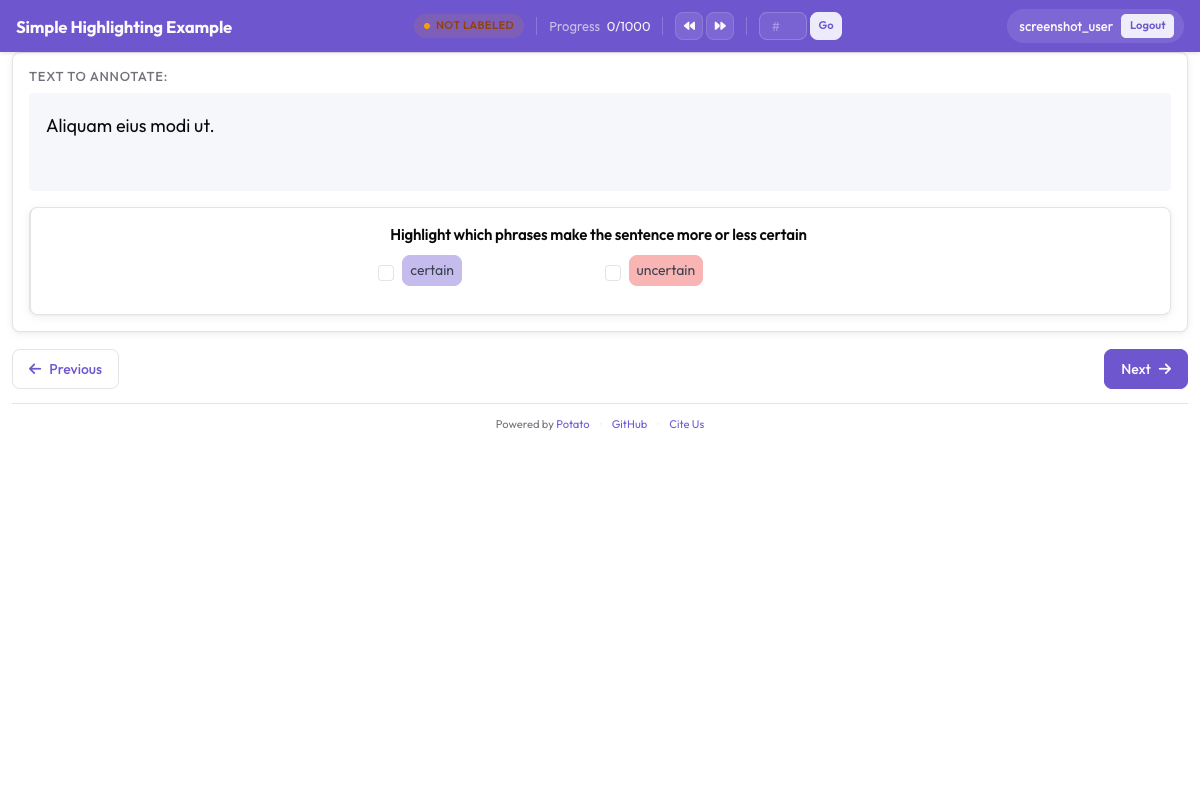 Annotators highlight text spans and assign entity labels like PER, ORG, LOC, and DATE
Step 4: Run the task
Start the server on the config from Step 1:
potato start config.yamlOpen the address it prints and log in. An annotator then works through four moves per entity:
- Select the text. Click and drag across the phrase.
- Assign the type. Press the number key or click the label button.
- Fix a mistake. Click an existing span to change its label or remove it.
- Submit. Move to the next item when the sentence is done.
Step 5: What the output file holds
Each annotated item is written to annotation_output/ as one JSON object, with the scheme name as the key and one entry per span:
{
  "id": "1",
  "text": "Apple Inc. announced that CEO Tim Cook will visit Paris next Tuesday.",
  "entities": [
    {"start": 0, "end": 10, "label": "ORG", "text": "Apple Inc."},
    {"start": 30, "end": 38, "label": "PER", "text": "Tim Cook"},
    {"start": 50, "end": 55, "label": "LOC", "text": "Paris"},
    {"start": 61, "end": 73, "label": "DATE", "text": "next Tuesday"}
  ]
}
The character offsets are what make the file useful downstream. They survive tokenization changes, so the same annotations can be re-aligned to whatever tokenizer your model uses.
Step 6: Export to CoNLL-2003
Sequence labeling models read tagged tokens rather than character offsets, so Potato converts the spans on export:
python -m potato.export -c config.yaml -f conll_2003 -o ./conll_export/The result is one token per line with its tag, blank lines between sentences. The tag_scheme option writes BIO, BIOES, or IOB, with BIO as the default, so match it to whatever your training code expects before you run the export.
Tightening the guidelines
Fuzzy rules produce split decisions on the same span, so the rules are worth revising while the pilot is still small. Walk annotators through the hard cases before they start rather than after, and keep a shared list of settled edge cases as they come up. Falling agreement between annotators is the signal that a rule needs tightening, and it is cheaper to catch on 50 items than on 5,000.
Next steps
- Add a training phase to onboard annotators before they touch real items
- Set up multiple annotators so spans can be compared
- Export to Hugging Face format for model training
- Read the span annotation documentation for the full option list